
Opus 5.5 video.Your product, in motion.
Turn your URL into a short Opus 5.5 video with Claude-assisted scripting.
Choose your video style
UI morph
00:22Crayon story
01:25Minimal ink
00:15Cosmic motion
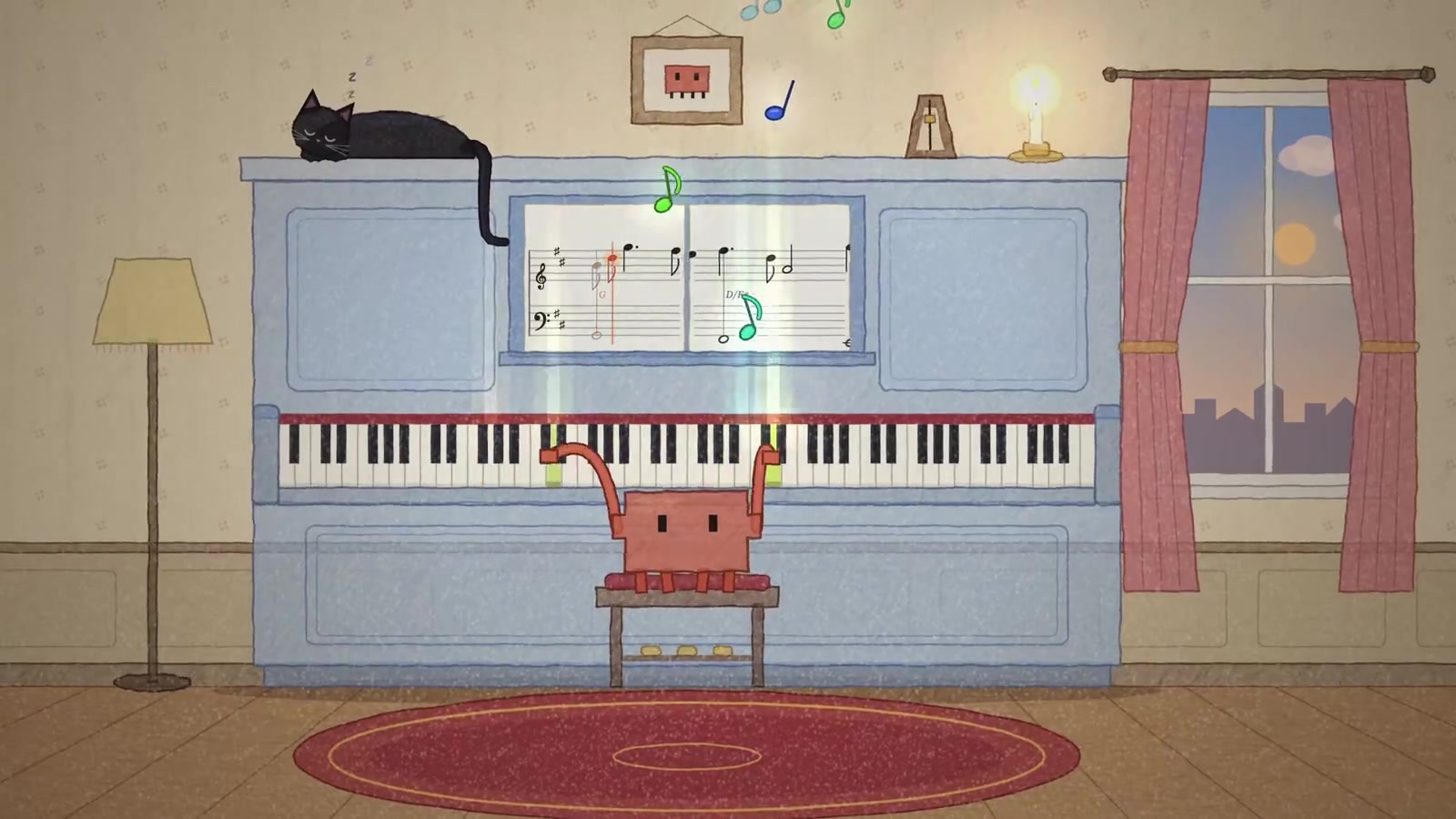
00:20Pixel music
01:053D tech
00:49Paper story
00:31Cinematic mystery
00:34Product explainer
00:30Find the right mood for your Opus 5.5 video. Explore motion type, UI morph, crayon stories, minimal ink, cosmic particles, pixel music, 3D tech, paper characters, cinematic suspense and product explainers. Click a card to try its background; use Preview video to watch the complete example with sound. Your Opus 5.5 video brief keeps your chosen style alongside your URL and email. Every Opus 5.5 video starts with a useful product story, then builds its pacing, scenes and final call to action around that story.
Ten style references from the supplied video library. Preview video opens the complete example with sound.How an Opus 5.5 video takes shape.
An Opus 5.5 video combines Claude-assisted planning with editing, animation and human review. The product story comes first; production tools turn that story into a finished MP4.
Your story, frame by frame.
Built around your product. Finished for your audience.An Opus 5.5 video starts with your product.
A useful Opus 5.5 video begins with the public pages your customers already see. We review the headline, feature copy, screenshots and pricing to identify who the product helps and which problem deserves the spotlight. A scheduling app should demonstrate easier booking; a developer tool should explain what someone can build. Claude assists with analysis while an editor checks every proposed claim against your actual product. For your Opus 5.5 video brief, mention the intended audience, the feature that matters most and where viewers should go next. Screenshots or a public recording can explain workflows that a landing page alone cannot show.
Write the Opus 5.5 video script first.
The Opus 5.5 video script sets the opening hook, feature sequence and closing call to action before rendering begins. Within 30–60 seconds, each scene should explain one useful idea and move the story forward. Claude can help draft copy, plan shots and write animation code, but editing and rendering tools create the MP4. A human reviews the language, pacing and visual accuracy. Your Opus 5.5 video should show what the product actually does, rather than rely on generic footage. Request script approval in your notes if you want to check the story before production; waiting for approval can extend the agreed timeline.
Choose the right Opus 5.5 video brief.
An Opus 5.5 video is a practical format for UI walkthroughs, feature explainers, pricing summaries and animated product concepts. It cannot replace footage you have not recorded or invent access to private screens. On-camera founders, customer stories and specific live-action scenes need material you choose to provide. We will agree the scope before starting if an important asset is missing. An Opus 5.5 video also needs honest product claims: no invented testimonials, unsupported promises or simulated features presented as real. This page demonstrates a proposed independent service. The concepts illustrate visual possibilities; they do not prove a working URL-to-video pipeline or a completed customer order.
Your Opus 5.5 video, in four steps.
A clear brief, an approved story, a checked export and an email delivery. No production meetings required.
Share your product
Start your Opus 5.5 video brief with a public URL, email and preferred format. Add the audience or feature you want to highlight. A live order would require payment and confirmation.
We shape the story
We outline the Opus 5.5 video around one product story. Claude assists with analysis and a shot-by-shot script; an editor checks the message, sequence and product claims.
Render and refine
Before exporting your Opus 5.5 video, we check the edit, captions, mobile safe zones and audio levels. The review covers both the visual story and the selected delivery format.
Check your inbox
Receive your Opus 5.5 video as an MP4, with captions and a thumbnail, within 3 business days of a confirmed order. Reply with specific notes for the included revision rounds.
Need another language or a tight deadline? Add it to the brief. We will confirm scope and scheduling before production.
Your Opus 5.5 video package.
One Opus 5.5 video package covers the core production assets, selected formats and two revision rounds. The proposed $49.99 price is per video, with no subscription or monthly minimum.
30-day money-back guaranteeA finished product demo
A 30–60 second Opus 5.5 video, exported as a 1080p MP4 for your launch.
Made for your screen
16:9 for a landing page, 9:16 for social, or both selected exports.
Your choice of audio
English voiceover or music-only, matched to the agreed story and pacing.
Captions included
An SRT file for accessible viewing and platforms that support uploaded captions.
A ready-to-use thumbnail
A cover image ready to accompany the video on your website.
Yours to use commercially
Use the delivered edit on your site, ads, app listing or social channels.
Two Opus 5.5 video revision rounds cover changes within the agreed brief.
Opus 5.5 video. $49.99 flat.
No subscription, per-seat fees or monthly minimum. Compare the scope and the time you need to contribute.
YOUR OPUS 5.5 VIDEO
$49.99/ video
One Opus 5.5 video, shaped around your product and prepared for your next launch.
- 30–60s, 1080p MP4
- Script, captions and thumbnail
- 2 revisions, full commercial rights
| Compare | Opus 5.5 Video | Freelancer | Agency | DIY |
|---|---|---|---|---|
| Price | $49.99 | $300–$800 | $3,000+ | Tools + your time |
| Turnaround | 3 business days | 1–2 weeks | 3–6 weeks | Your schedule |
| Script | Included | Varies | Included | You write it |
| Revisions | 2 rounds | Varies by quote | 2–3 rounds | Your time |
| Commercial rights | Included | Check terms | Included | Check terms |
| Your effort | Paste a URL | Brief + calls | Brief + reviews | Prompt + edit |
These are illustrative planning ranges, not live quotes. Compare the agreed scope, turnaround and licensing before choosing a provider. Prices and terms vary.
Opus 5.5 video questions, answered.
Check the brief, delivery, revisions and usage rights before requesting your Opus 5.5 video. Still have a question? Email us.
hello@opus55.videoAn Opus 5.5 video is a product demo with a Claude-assisted script and production workflow. Editing and rendering tools create the MP4. This independent service concept is not an Anthropic product.
Start an Opus 5.5 video brief with your public URL and email. Notes can specify a feature, audience or hook. Screenshots or a public recording help explain screens behind a login.
The proposed Opus 5.5 video turnaround is 3 business days after payment and confirmation. Missing assets or script approval may extend it. This demo accepts no payment and starts no delivery clock.
Your Opus 5.5 video includes two revision rounds within the agreed brief. Reply with specific notes. If the result still misses that brief, request a refund within 30 days of delivery.
The intended Opus 5.5 video package includes commercial use without a service watermark. You need rights to supplied assets. Any third-party license restrictions will be disclosed before delivery.
We begin your Opus 5.5 video with public pages. Share screenshots or a recording for private workflows. Do not put production passwords, API keys or customer records in the notes.
An Opus 5.5 video brief can start from a public landing page, Notion page or Figma link. Explain which features are live and which are concepts so the story stays accurate.
For five or more Opus 5.5 video briefs, ask about the proposed 20% bulk discount. Scope and timing require a written quote. Bulk ordering is unavailable in this static demo.
English and music-only are standard Opus 5.5 video options. Choose Other and name the language in your notes. Availability will be confirmed before a live order is accepted.
Add “show me the script first” to your Opus 5.5 video notes. The intended workflow sends it for approval before rendering; waiting may add one business day.
Start your Opus 5.5 video.
Paste a public URL, choose a format and review your product story.